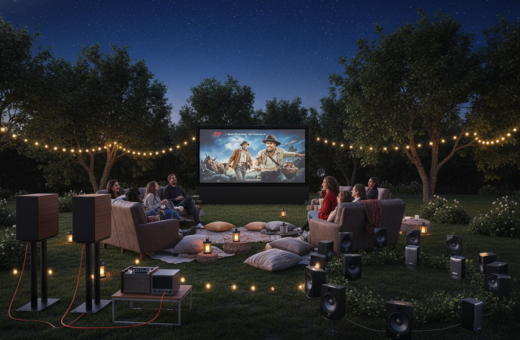
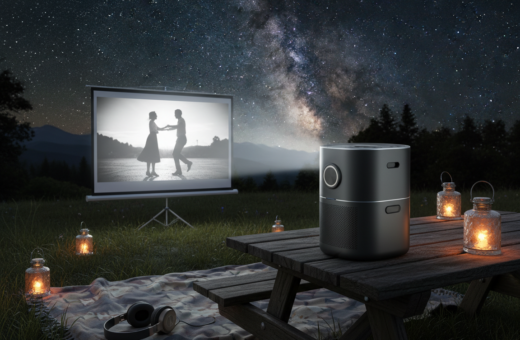
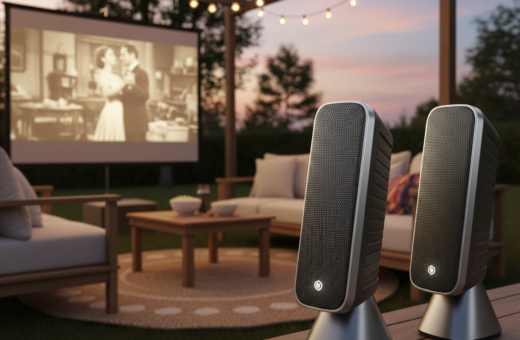
Modern home theater fans often look to boost their outdoor viewing. They want a high-quality projector linked to external devices that deliver rich audio and deep sound. This intro explains reliable choices when internet access is not available.
When planning a professional setup in a remote spot, it helps to know how projectors and external speakers pair. Brands like Epson and Anker offer models that play well with portable amps and Bluetooth transmitters. They help recreate a true theater atmosphere outside the home.
Choosing the right gear ensures smooth playback and consistent volume. This guide shows practical paths to a cinematic experience using projectors and compact speakers that run independently from online streaming. Readers will learn to match components, manage power, and prioritize clear, cinematic audio.
Understanding Offline Audio Requirements for Projectors
Assessing a projector’s built-in sound and output options is the smart first step on any buyer’s journey.
Many modern projectors include powerful internal speakers that can fill a living room with clear, high-quality audio. Buyers should compare models that include strong drivers versus those that rely on external devices.
Key checks:
- Identify available audio output ports and the type of output the unit offers.
- Verify projector audio settings to ensure the internal output is enabled and set to the correct level.
- Consider whether built-in sound will meet home or outdoor room demands, or if an extra speaker is needed.
For users with a BenQ projector, audio-out connectivity often makes adding amplifiers or compact speakers convenient. Understanding each model’s limits is vital, since older projectors may lack modern jacks and can reduce overall sound quality.
Essential Hardware for an Offline Speaker for Projector Setup
Gathering the right hardware makes the difference between muddled sound and clear cinema-quality audio outdoors. Begin by checking the projector’s input and output ports so each component matches one another.
Audio cable types matter. Use 3.5mm to RCA adapters when the device only has a headphone jack. S/PDIF or optical cables keep digital signals tight and reduce interference. Choose cables that match both the projector’s output and the speakers’ input to avoid adapters that add noise.
Bluetooth Transmitter Requirements
If the projector lacks built-in Bluetooth, plug a transmitter into the audio output jack to stream wirelessly. A reliable transmitter will support low-latency codecs to keep lipsync accurate during movies.
- The Boss S8A 4K Portable Projector includes broad connectivity and enough storage and RAM to handle local media smoothly.
- Always match cable types—RCA, 3.5mm, or S/PDIF—to the speaker inputs to preserve signal quality.
- When using a Bluetooth transmitter, insert it into the projector output to send high-quality sound to paired speakers.
Investing in the correct hardware at this time prevents signal loss and saves time during the build. Proper connectivity keeps the home theater screen and audio systems working together across the room and the theater experience consistent.
For more planning tips and a sample parts list, see this recommended guide.
Configuring Wired Audio Connections
A solid wired connection prevents lag and delivers consistent audio from source to speakers during movies and games.
Start by identifying the audio output jack on the projector and the input on the speakers or amplifier. Use the correct cable type—3.5mm, RCA, or optical—to match both ports.
Adjusting Projector Audio Output Settings
To configure a wired connection, plug one end of the audio cable into the projector audio output port and the other into the speaker input.
Make sure the cable is seated firmly at both ends to avoid noise or dropouts. Loose connections are a common cause of interference.
- Open the projector settings menu and select external audio as the primary output.
- Choose the correct output type if the menu lists options (analog or digital).
- Play a short sample file and adjust volume on both the projector and the speakers to achieve balanced sound quality.
Tip: Whether playing a movie or a high-intensity game, the chosen output keeps timing accurate and preserves dynamic range.
Establishing Wireless Bluetooth Links Without Wi-Fi
Bluetooth 5.0 brings stable audio transmission that keeps video and sound in sync during outdoor movie nights.
Start by opening the projector settings and toggling Bluetooth to ON. Put the speaker in pairing mode and confirm it is not linked to another device. The projector will search and list available devices.
Once paired, the wireless connectivity routes audio output directly to the external device. Bluetooth works independently of Wi-Fi, so this method supports high-quality sound in remote locations.
- Bluetooth 5.0 ensures minimal delay and stronger connectivity for projectors and speakers.
- Verify the speaker shows as connected in the projector settings before playback.
- If lipsync lags, re-pair both devices or select a low-latency codec if available.
- For mobile media tips, see how to connect smartphone to projector.
Tip: Keep devices close during pairing and check battery levels to preserve consistent audio quality.
Optimizing Sound Quality for Outdoor Environments
Good outdoor audio blends placement, tuning, and reliable power to keep a movie or game feeling cinematic.
The first step is speaker placement. Position the Soundcore Motion X600 near the viewing area so its 50W output fills the outdoor room. Place units slightly forward of the screen line and angle them toward listeners to reduce reflections.
Speaker Placement Strategies
Distribute speakers to cover wide seating. Use two units if possible and space them evenly. For large gatherings, add one more to center the field.
Managing Bass and Treble
Let users toggle modes like “Cinema” or “Game” to match content. High-end projectors that include BenQ CinemaMaster Audio+ 2 use neodymium and magnesium to preserve deep bass without distortion.
Power Considerations for Outdoor Use
Pick gear built to last. The Soundcore Motion X600 adds IPX7 water protection and a 12-hour playtime so audio holds up across long nights. Also plan battery backups or portable power stations to maintain consistent output.
- Place Motion X600 to let the 50W drive immersive sound across the viewing area.
- Use content modes to balance bass and treble depending on movie or game material.
- Choose IPX7-rated devices with long playtime to make sure outdoor sessions run without interruption.
- Rely on premium driver materials in quality gear to retain deep bass and steady sound quality over time.
Troubleshooting Common Connection Issues
Connection hiccups during an outdoor screening are usually easy to fix with a few quick checks.
Pairing problems: If the projector fails to find the speaker, confirm the external device is in pairing mode and not linked to a game console or phone. Restarting both units often helps.
Audio lag: Keep the speaker within 10 feet of the projector and remove large obstacles that block wireless signals. Low-latency codecs and selecting the correct playback mode reduce lip-sync delays.
Drops and power issues: If connections cut out, repair the devices and verify battery levels or power sources. Weak power commonly causes intermittent audio and poor sound quality.
- Check projector settings to ensure audio output targets the active device.
- Maintain a clear line of sight between the screen and speakers to improve connectivity and quality.
- If problems persist, update firmware and try a different cable or wireless channel.
These steps help users restore reliable audio quickly so movies and games play with consistent sound and minimal fuss.
Conclusion
A reliable connection between audio gear and the projector makes any backyard feel like a professional theater.
Mastering the link between devices lets users transform a space into a true home theater. Choosing wired or wireless paths delivers clear sound and steady audio timing every time.
Key to success: pick the right hardware, set levels carefully, and test placement in the room. These steps help projectors and speakers work together to create an immersive theater experience at home.
With these simple checks in place, anyone can enjoy cinema-grade sound and an elevated viewing experience that lasts through the night.